Everyone is photo-checked
Before anyone posts or asks to join, they add a profile photo and a quick selfie check.
A private space inside Bunchups where your members plan and join social activities together, run by your club. Your logo, your members, invite-only. No public sign-ups.
Most clubs run on a group chat and goodwill. It works for fixtures and training, but it is hard to use for the social side: the new player who does not know anyone, the committee member who wants a working bee filled, the group that would like a coffee after Saturday’s game.
The Bunchups Community Portal gives your club its own private space. Members see plans from other members and from the club, ask to join, and chat without handing out phone numbers. Nobody outside your club can get in.
Here is what your club and your members get. The phone screens are the real app. The admin screens are drawings with example numbers, laid out like the live portal.
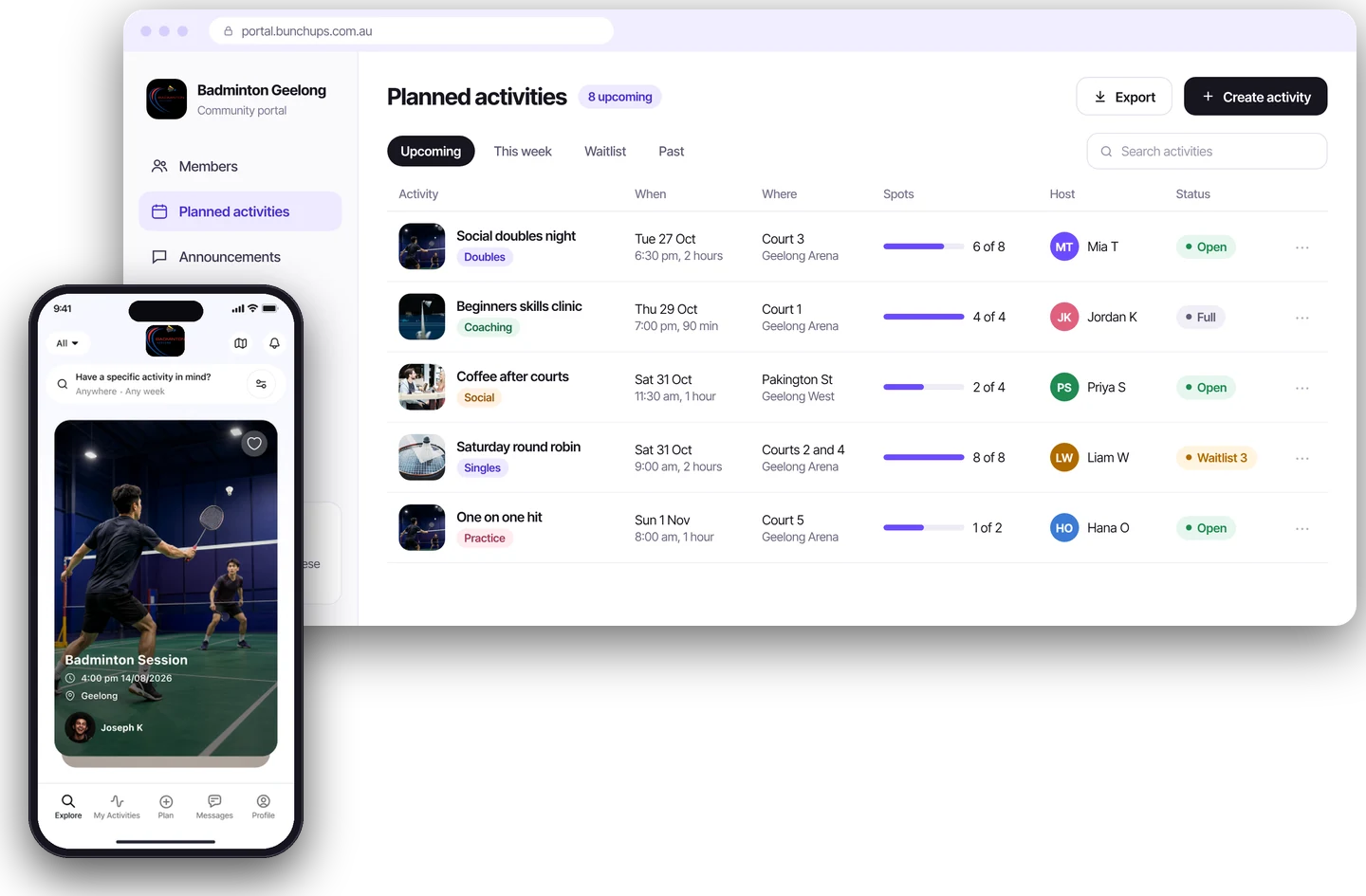
Members use the same Bunchups app everyone else does. Inside your portal they only see people and plans from your club.
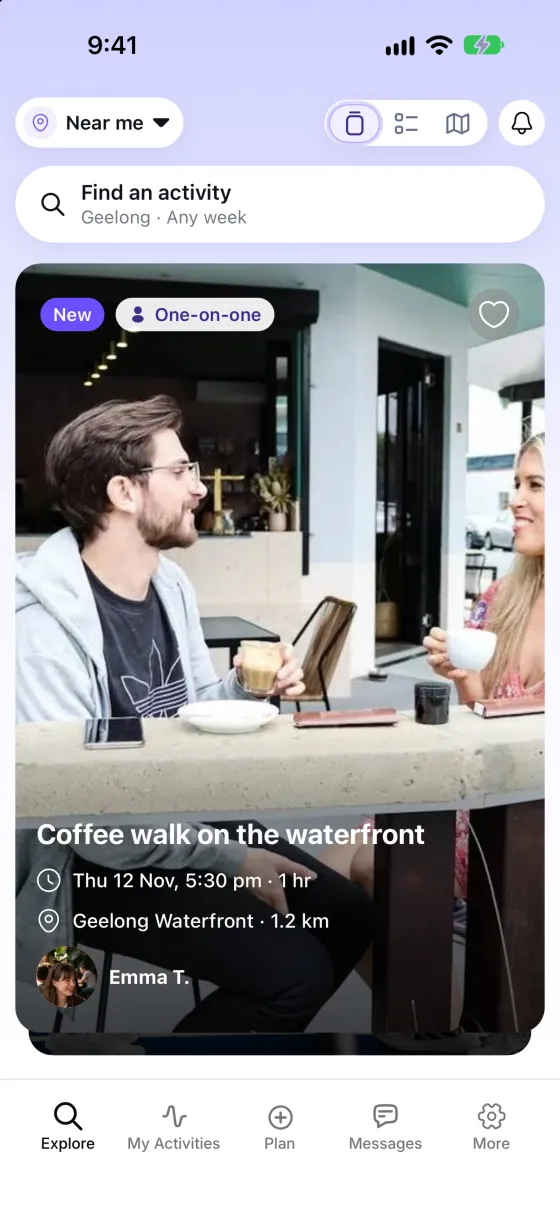
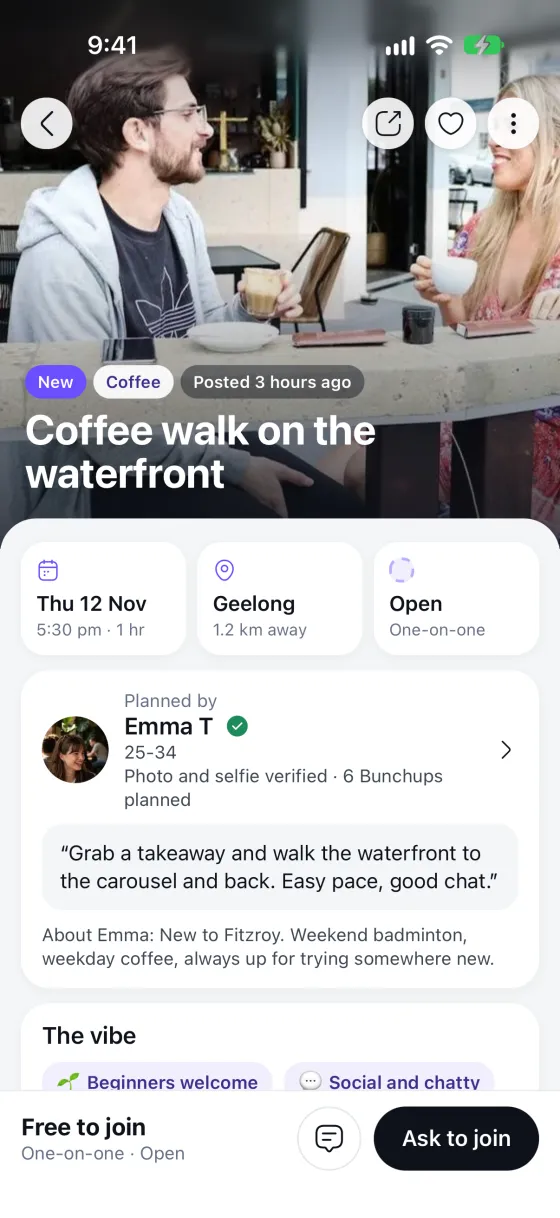
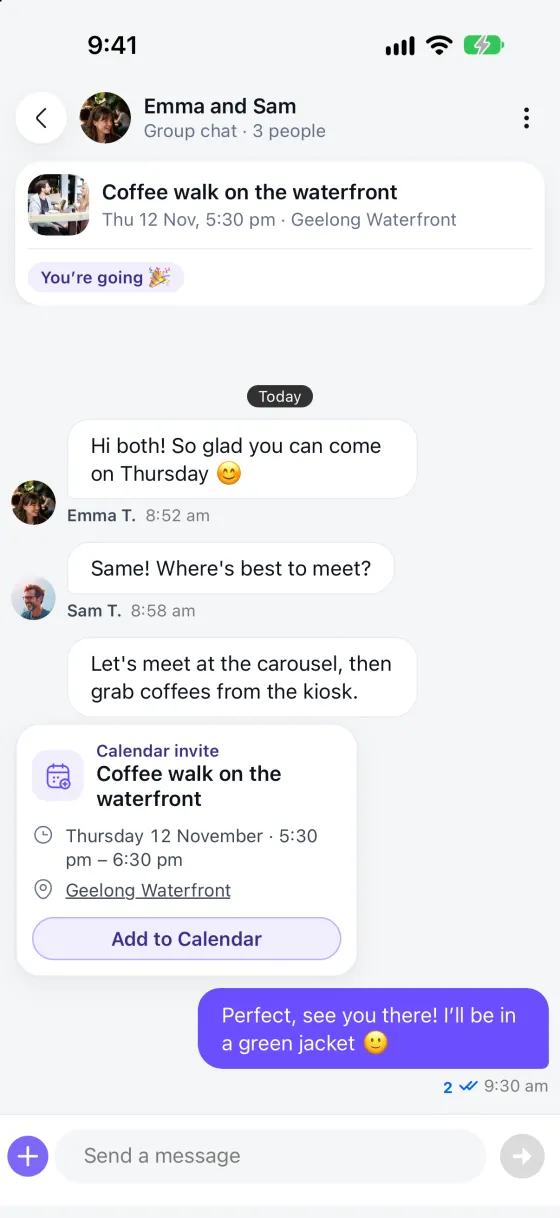
These screens show a sample plan from the public app. Inside your portal, members see your club’s plans.
Members know they are in the right place. When they are in your club’s space, your logo sits at the top of the app, and your club appears as its own card.
We set the portal up with you, including your club’s name and logo.
A simple view of how much your members are doing together, without a spreadsheet.
You control the door. Nobody can join unless you let them.
Send a push notification or an email to your active members, or to a group you pick with filters. The portal tells you how many people it will reach before you send.
Before anyone posts or asks to join, they add a profile photo and a quick selfie check.
Invite only. Add members by CSV, email address or email domain, and remove or suspend anyone from the admin.
Members can report other members in the app. Reports appear on your dashboard for your admins to review.
Add sub-admins so a committee can share the work without sharing one login.
Members chat inside the app, so nobody has to hand out a phone number.
Bunchups is for adults aged 18 and over.
No long project. Here is the path from enquiry to your first plan.
Send the short form below. We reply by email within one business day.
We show you the portal and talk through how your club would use it.
We create your private portal, with your club’s name and logo, and agree the access rules with you.
Add your member list by CSV. Each person gets an email invitation.
Members browse plans, post their own and ask to join. You watch it on the dashboard.
Ideas, not rules. Members can plan anything that suits your club.
Anyone can post a plan for a relaxed run, walk or kick-about, and members ask to join. The planner says yes or no.
Plan a coffee or a meal after the game or training so players who do not know each other well have a reason to stay.
New members get a private space with the people they will actually play with, not a public app full of strangers.
Post a plan for a canteen shift or a ground working bee and see who is going before the day.
Share the running of the portal with other committee members without sharing one login.
Instead of plans buried in a group chat, members browse upcoming plans and message the planner in the app.
Being clear about this up front saves you time. If you want more social activity inside your club, it fits. If you need to take fees or run a draw, keep using your current software next to it.
No. The Community Portal is for getting members together, not for running the club’s admin. It does not replace your membership payments, fixtures or registration software, and it is not set up for that today.
Only people you approve. You add members by uploading a CSV, by email address or by email domain, and they get an email invitation to your private portal. There are no public sign-ups.
Yes. When members are in your club’s space, your logo shows at the top of the app, and your club appears as its own card. We set this up with you.
A dashboard with your members, upcoming activities and open reports, how many people came in through your links, this month against last month, a six-month trend, and your most requested activities. You also get members, activities, join requests, chats, reports and settings.
No. Bunchups is for adults aged 18 and over, so it suits adult members, social players, committees and parents who are 18 or older. Keep junior communication in the channels you already use.
No. Members can message each other in the app without handing over personal contact details.
Yes. You can choose to require admin approval before an activity is published, or let members publish straight away.
Yes. You can send a push notification or an email to your active members, or to a group you pick with filters.
Yes. You can add sub-admins to share the running of your portal, and admins can add, suspend or remove members and manage activity.
No. Members do not pay to use it.
Pricing depends on the size of your member base and your needs, so we agree it with you after a demo. Setup and the platform are included.
Send the form on this page or book a demo. We set up a private portal for your club, you upload your member list, and members are invited.
Tell us a little about your club and we will reply by email.
Prefer to talk it through? Book a demo.