Everyone is photo-checked
Before anyone posts or asks to join, they add a profile photo and a quick selfie check.
A private space where the members of your club, group or organisation plan things together and message each other. Run by you, invite-only, with your logo.
If you run a club, a community group or a membership organisation, you probably already have a mailing list and a group chat. What is often missing is a simple way for members to get together with each other, not only hear from the committee.
A community platform is a private online space for exactly that. The Bunchups Community Portal is one: your members sign in to a space only your organisation can access, see plans put up by other members and by you, ask to join, and chat inside the app.
Here is what your group and your members get. The phone screens are the real app. The admin screens are drawings with example numbers, laid out like the live portal.
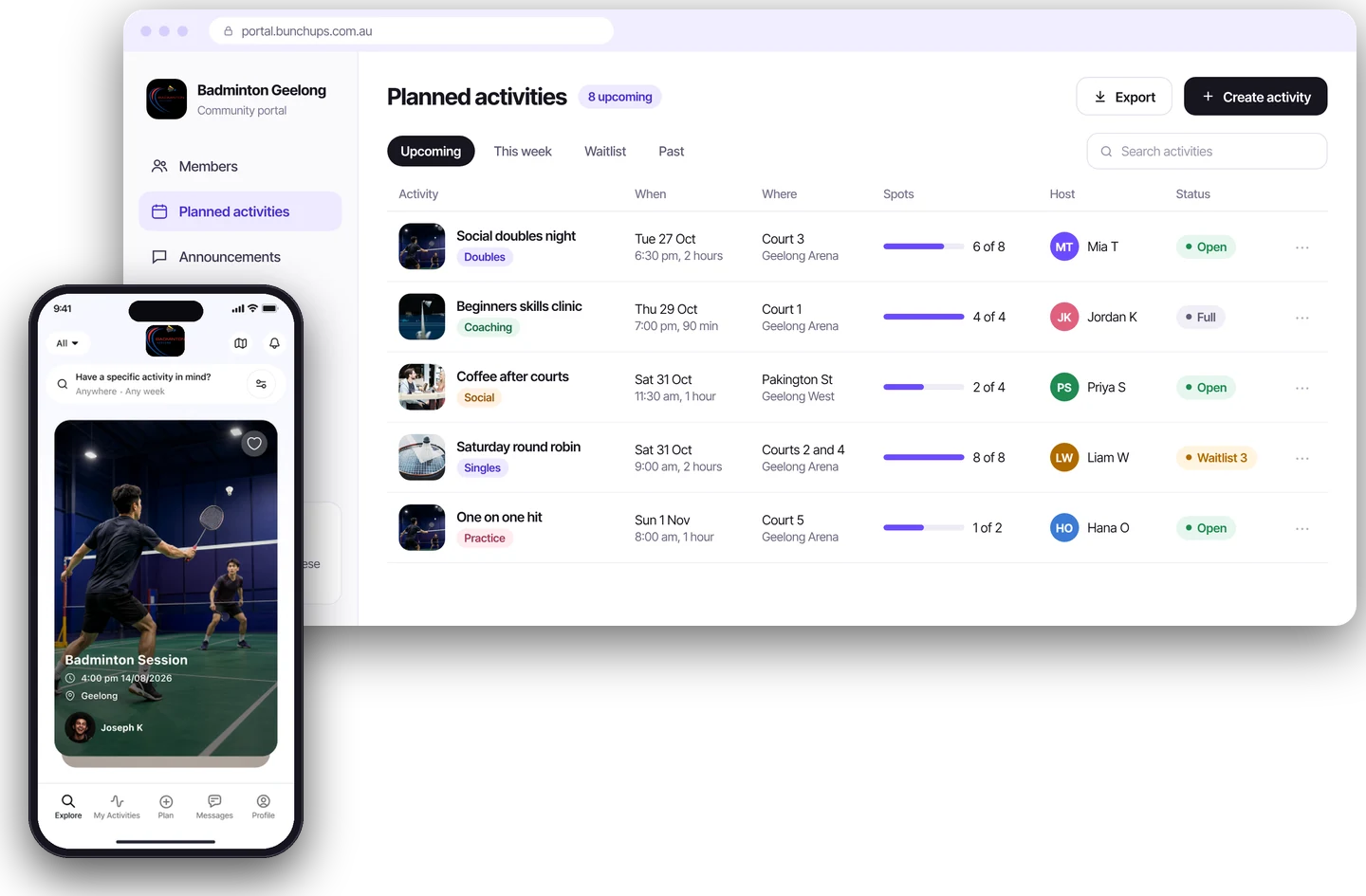
Members use the same Bunchups app everyone else does. Inside your portal they only see people and plans from your club.
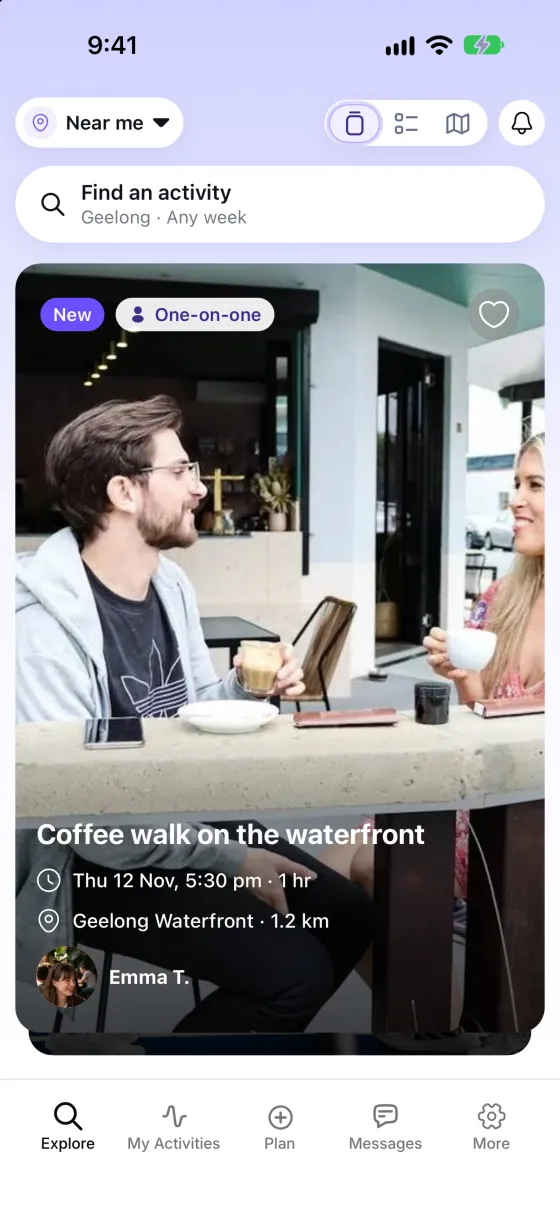
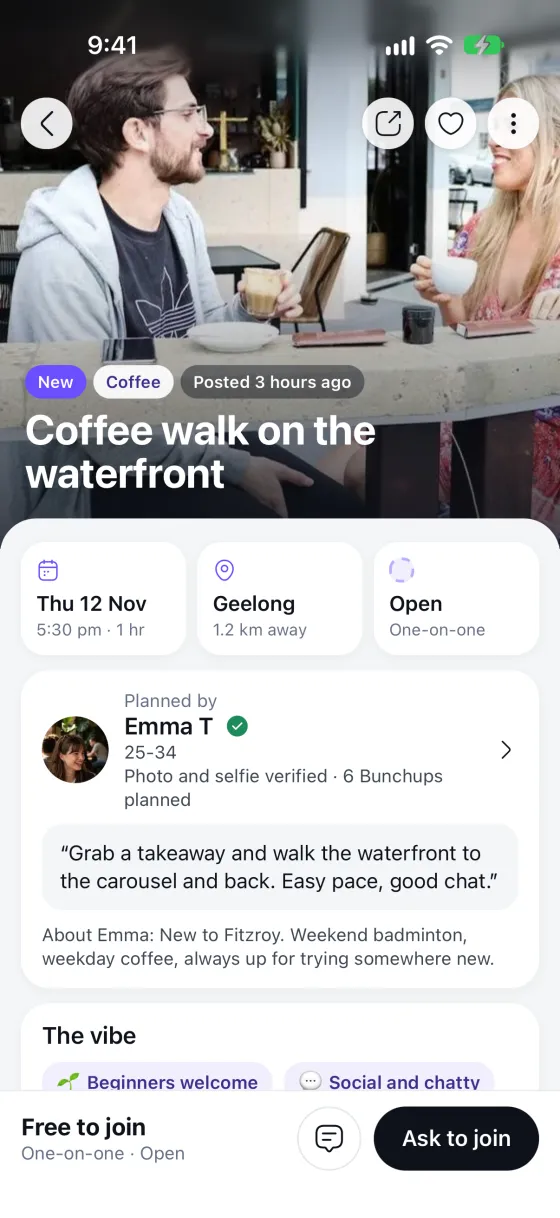
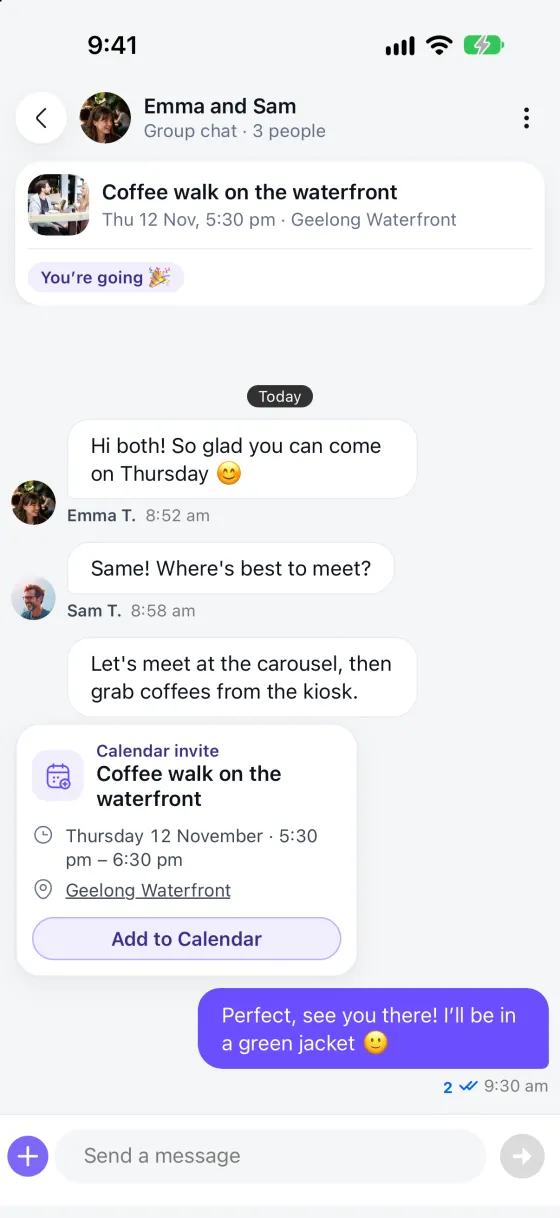
These screens show a sample plan from the public app. Inside your portal, members see your club’s plans.
Members know they are in the right place. When they are in your club’s space, your logo sits at the top of the app, and your club appears as its own card.
We set the portal up with you, including your club’s name and logo.
A simple view of how much your members are doing together, without a spreadsheet.
You control the door. Nobody can join unless you let them.
Send a push notification or an email to your active members, or to a group you pick with filters. The portal tells you how many people it will reach before you send.
Before anyone posts or asks to join, they add a profile photo and a quick selfie check.
Invite only. Add members by CSV, email address or email domain, and remove or suspend anyone from the admin.
Members can report other members in the app. Reports appear on your dashboard for your admins to review.
Add sub-admins so a committee can share the work without sharing one login.
Members chat inside the app, so nobody has to hand out a phone number.
Bunchups is for adults aged 18 and over.
No long project. Here is the path from enquiry to your first plan.
Send the short form below. We reply by email within one business day.
We show you the portal and talk through how your club would use it.
We create your private portal, with your club’s name and logo, and agree the access rules with you.
Add your member list by CSV. Each person gets an email invitation.
Members browse plans, post their own and ask to join. You watch it on the dashboard.
Six questions worth asking of any option, including ours.
Can people outside your group get in or see anything?
Will people who are not very technical actually use it?
Or is it only one-way announcements?
Can more than one admin run it, and can you remove someone quickly?
Can members talk without sharing phone numbers?
A platform for connection should say what it does not do, such as payments or rostering.
It is built for adults aged 18 and over. It is not a payments, membership or rostering system, so keep your existing software for those.
Running a sports club? See Bunchups for sports clubs.
It is a place online where the members of one group connect, plan things and talk, separate from public social media. The aim is to make it easy for members to meet up, not just to read announcements.
Those are fine for quick messages. They are harder for planning, because plans get buried, phone numbers are visible in a big WhatsApp group, and public Facebook groups can be open to more people than you want. A purpose-built space keeps plans, members and messages together.
Yes. Access is controlled by your organisation. You choose who joins, and people outside your community cannot get in.
A dashboard, member management with CSV upload and filters, activities, requests to join, chats, reports, push and email messages to members, sub-admins and settings.
Yes. When members are in your space, your logo shows at the top of the app, and your community appears as its own card.
It is built for workplaces, aged care and senior living, community groups and not-for-profits, membership organisations, and clubs and education groups.
Yes. Members can plan activities for the community, and other members ask to join. The planner approves each request.
No. Bunchups is for adults aged 18 and over.
Pricing depends on the size of your member base and your needs, so we agree it with you after a demo. Members do not pay.
Tell us about your group and we will reply by email.
Prefer to talk it through? Book a demo.