
The Bunchups Community Portal: How It Works and Who It's For
Help your members, residents, students or employees actually meet each other in person. See how the Bunchups Community Portal works and book a demo today.
The Bunchups Community Portal: A Better Way to Help Your Members Actually Meet Each Other
The Problem Most Organisations Don't Quite Know How to Name
Plenty of organisations have a community problem they can't quite put their finger on.
Member associations watch engagement drop year after year. Aged care providers are under more pressure than ever to show that residents have real social lives. HR teams pour money into culture and watch it disappear the moment people log off Slack. Universities want their students to actually know each other. Sports clubs want their members to stick around. Coworking spaces sell desks but struggle to sell belonging.
The thread running through all of it isn't a lack of effort. It's a lack of infrastructure. Members, residents, students, and employees don't need another newsletter. They need a way to actually meet each other in person, in groups, around things they care about. And right now, almost no one has a real tool for that.
That's the gap the Bunchups community portal is built to close.
What the Bunchups Community Portal Is
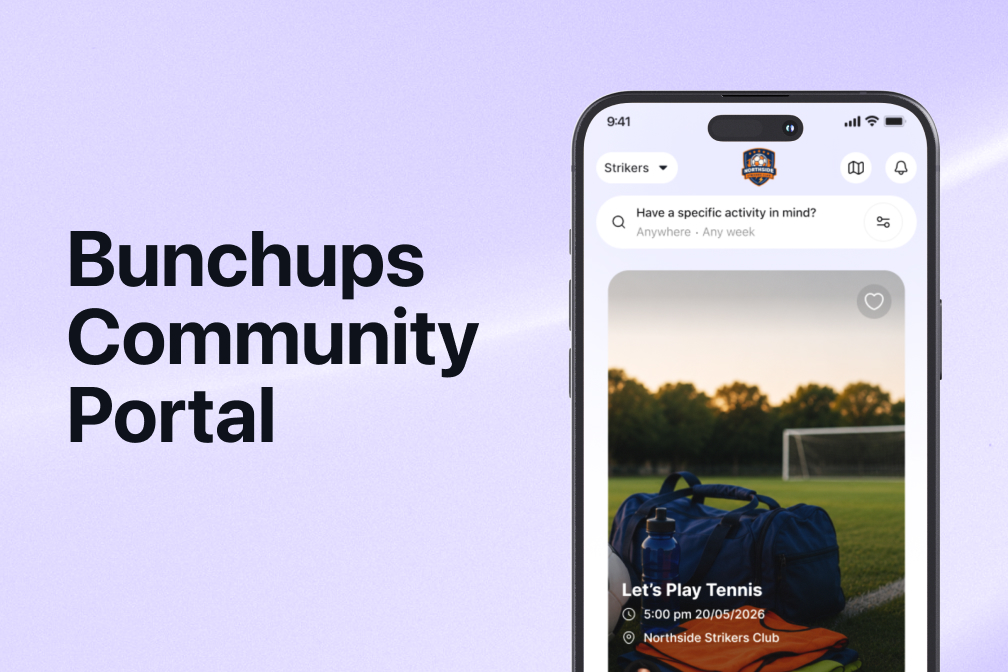
The Bunchups community portal is a private, branded version of Bunchups that an organisation owns and runs for its own members.
A bit of context first. Bunchups itself is a platform built for people to plan and join one-on-one or small group gatherings with others nearby who share their interests. A coffee with a stranger who likes the same books, a hike with a few people in the neighbourhood, a dinner with three or four others who want to try the same restaurant. The whole product is designed around small, intimate, in-person connection.
The community portal takes the Bunchups platform and reshapes it for organisations. Inside the portal, members can plan and join activities at any size, from a quiet coffee for two to a hundred-person event run by the organisation itself. The flexibility on size is what makes it work for organisations, because organisations need both. They need their members forming small groups around shared interests, and they need the ability to run bigger community moments when it matters.
When the portal is set up, members open the main Bunchups app, switch into their organisation's portal, and from that point on, they only see activities posted by other members of that portal. Anything they post inside the portal stays inside the portal.
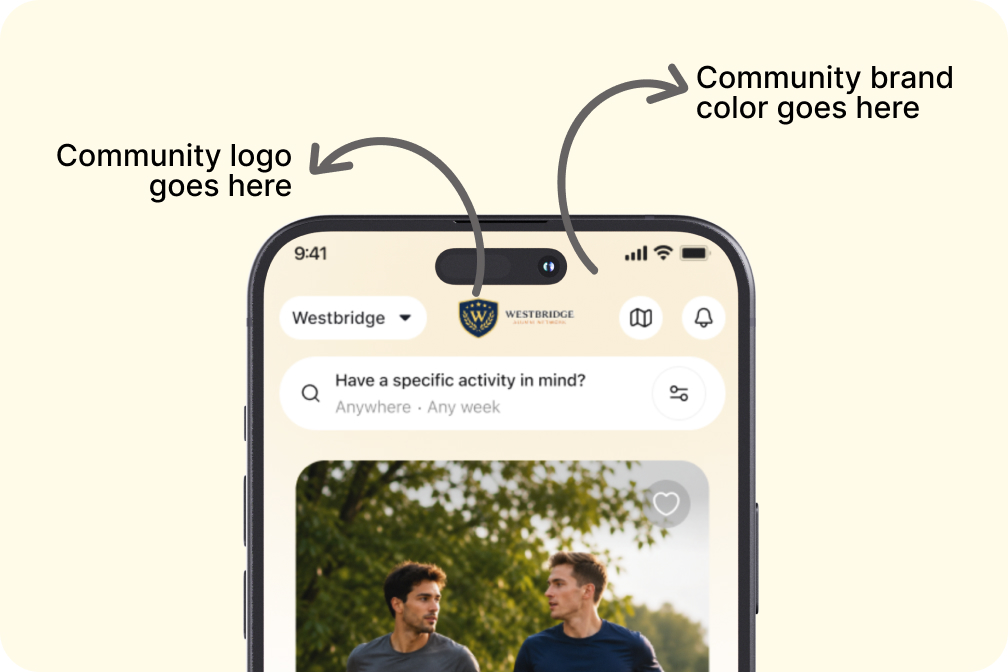
The portal carries the organisation's own logo and brand colour, so it feels like part of the organisation rather than a third-party tool bolted on. It's still the Bunchups app underneath, but the moment a member switches into the portal, it looks and feels like the organisation's own community space.
The product comes with the things organisations actually need to run a community safely. Selfie verification at sign-up, so every member is a verified real person. An admin console for the organisation to control who joins, see what's happening, and step in if anything goes wrong. And a flexible access system that lets the organisation decide exactly how members get in, whether that's a company email domain, an uploaded member list, or a membership number.
How It Works
.jpg)
The flow is straightforward.
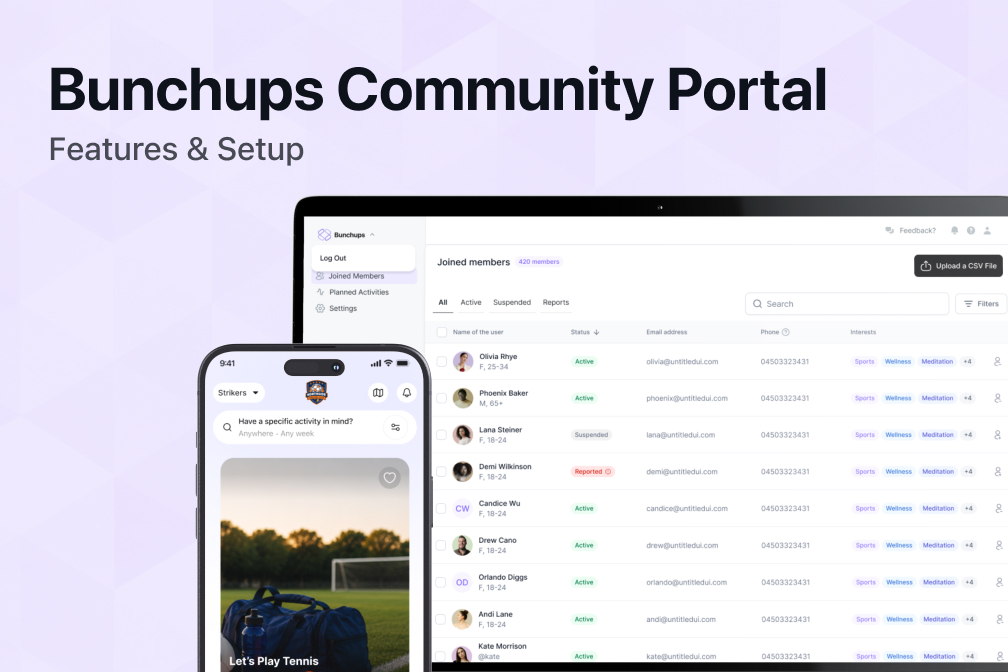
The admin sets up the portal with their logo, colour, and chosen access method. They invite their members in, either by uploading a CSV, sharing an invite link tied to a company email domain, or letting members enter a membership number to verify themselves.
Members get a notification, open the Bunchups app, sign up, and go through the same onboarding any Bunchups user does. Phone verification, interests, a profile, a selfie check on the profile picture. Once they're verified, they switch into their organisation's portal and they're in.
From there, members can plan activities for others to join, browse and join activities other members have posted, message each other, form group chats around an activity, and set preferences for the kinds of activities and people they want to connect with. The admin can also use the portal to plan bigger organisation-wide events whenever they want to bring the whole community together.
Throughout, the admin has visibility. They can see members, see activities, review any reports submitted by users, and take action if something needs it. The community runs itself for the most part, with the admin acting more like a gardener than a gatekeeper.
Who It's For
The portal works for any organisation whose value to its members depends on the strength of the connections between those members.
- Aged care facilities use it to give residents a way to organise their own social lives, beyond staff-scheduled activities.
- Universities use it to help students meet each other across faculties, year levels, and campuses.
- Member associations and professional bodies use it to deepen engagement between members in the long stretches between conferences and webinars.
- Corporates and HR teams use it to help employees know each other across teams, offices, and seniority levels.
- Sports clubs use it to turn membership into community, with members organising everything that happens around the sport itself.
- Coworking spaces use it to convert tenants into a community, where the desk is the entry point but the relationships are the reason people stay.
These look like different worlds, but the underlying problem is the same. A group of people who could meaningfully connect, and no infrastructure to help them do it.
Why Now Is a Good Time to Run One
A few things have shifted in the last couple of years that make this kind of portal more relevant than it would have been even a short while ago.
The loneliness conversation has moved from a soft, cultural worry into a real organisational concern. Governments, regulators, HR leaders, and aged care quality bodies are all openly talking about social connection as something organisations are responsible for, not just a nice thing to encourage. Aged care quality standards in Australia now explicitly emphasise meaningful social engagement. Corporate culture is increasingly measured by belonging, not just satisfaction. Universities are taking student connection seriously as a retention and wellbeing issue, not just a welcome-week activity.
At the same time, the digital community tools most organisations already have aren't doing the job. Forums sit quiet. Member feeds get ignored. Internal social platforms generate noise without generating relationships. People are tired of more places to scroll, and they're hungry for reasons to actually leave the house.
A community portal that's purpose-built to get people meeting in person, with the safety and admin controls organisations need, is the right tool for this moment. It's the bridge between an organisation's responsibility for community and the actual lives its members are trying to live.
Book a Demo
The best way to understand the portal is to see it running with your organisation in mind. The demo walks through what the portal would look like with your branding, your access method, and your member base. It also covers pricing, which depends on the size of your community.
Book a demo to see the Bunchups community portal in action.